Setting up Slack and Trello for bug reports
Buganalyst
Collecting bug reports is only half the job. The other half is making sure each report lands somewhere your team will actually see it, triage it, and act on it. For most small and mid-sized teams, that means two destinations: Slack for real-time visibility and Trello (or a similar board tool) for tracking work to completion. This guide walks through setting up both, and explains when to use each — or both together.
Why routing matters more than collecting
Teams often obsess over how to collect feedback and spend no time deciding where it goes. The result is a dashboard that someone checks weekly, a growing pile of unread reports, and users who conclude that reporting bugs is pointless because nothing ever happens.
The fix is to treat a bug report like an event in your team's workflow, not a record in a database. Events demand attention when they happen. A report that appears in your #bugs channel thirty seconds after a user submits it has a fundamentally different life than one that waits in a queue.
Setting up Slack: instant visibility
Slack integration works through incoming webhooks, which are simple, reliable, and take about two minutes to configure.
- In your Slack workspace, create a channel dedicated to bug reports — #bugs or #user-feedback both work well. A dedicated channel keeps reports from getting buried in general conversation.
- Create an incoming webhook for that channel from Slack's app settings and copy the webhook URL.
- Paste the webhook URL into your widget's integration settings.
From that point on, every new bug report posts as a formatted message: title, description, the page URL where the report was submitted, and a link to the full report with environment details and any attached screenshot. Team members can react, discuss, and tag whoever should own the fix — all in the thread, with full context one click away.
One practical tip: resist the urge to route reports into a busy general channel. The value of the integration comes from the signal being clean. A dedicated channel means an unread badge always means a new bug.
Setting up Trello: one card per report
Slack is excellent for awareness but poor at tracking state. Messages scroll away; nobody remembers whether the bug from last Tuesday was fixed. That is what a board is for.
Trello connects via OAuth rather than webhooks. You authorize the connection once, then choose a board and a list — typically something like "Inbox" or "To triage." Every new report becomes a card in that list automatically, with the description, page URL, and environment details in the card body.
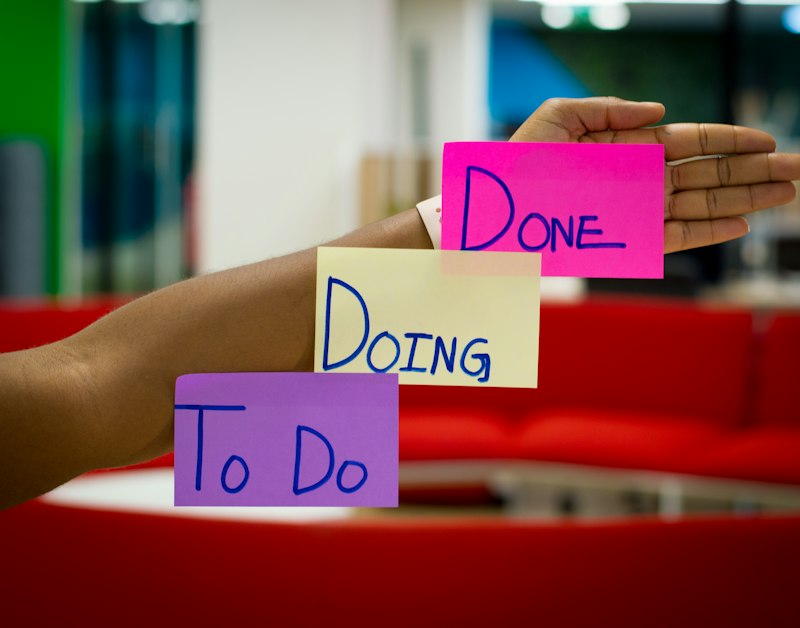
From there, the cards follow your normal workflow. Drag them from Inbox to In Progress to Done. Assign members, add labels for severity, attach additional screenshots, or comment with findings. Because each report is a card from the moment it arrives, nothing depends on a human remembering to transcribe a Slack message into the tracker — which is precisely the step where bugs historically vanish.
If you run multiple products or client projects, point each widget at a different board or list. Reports stay separated by source with zero manual sorting.
Using both together
The two integrations are complementary, and most teams end up enabling both on the same widget. Slack answers "what just happened?" while Trello answers "what is the state of everything?" A report arrives, the team sees it in Slack immediately, someone glances at it and adds a severity label to the Trello card, and the card then flows through the board like any other work item.
Reports are also always saved to your dashboard regardless of integrations, so you have a permanent, searchable record even if a Slack message scrolls away or a card gets archived.
A simple triage rhythm to pair with the tooling
Tooling alone does not triage bugs; people do. A lightweight rhythm that works well: whoever is on triage duty that week looks at each new card once a day, confirms it is reproducible, sets a severity label, and either schedules it or closes it with a reason. Ten minutes a day keeps the inbox at zero, and the Slack channel gives everyone else ambient awareness without obligation.
With collection embedded in your product and routing wired into the tools your team already uses, the entire path from "user sees a bug" to "developer starts fixing it" can shrink from days to minutes.